Why Bother With a Trading Bot?
Manual trading means staring at charts, fighting emotions, and being glued to a screen. A bot does the opposite: it follows rules you define, executes trades without hesitation, and never gets tired, scared, or greedy.
Whether you are a complete beginner or a seasoned trader looking to automate your edge, Gimmer gives you the tools without the complexity.
What You Will Need
- The Gimmer desktop app installed (available for Windows, macOS, and Linux)
- An account on a supported exchange (Binance, Bybit, Kraken, etc.)
- Your exchange API key and secret key (read-only + trading permissions)
- 5–15 minutes of focused time
Step 1: Install and Launch Gimmer
Download the latest version from gimmer.com and install it like any other application. When you launch Gimmer for the first time, you will see the main dashboard — a clean interface showing your portfolio, active bots, and marketplace.
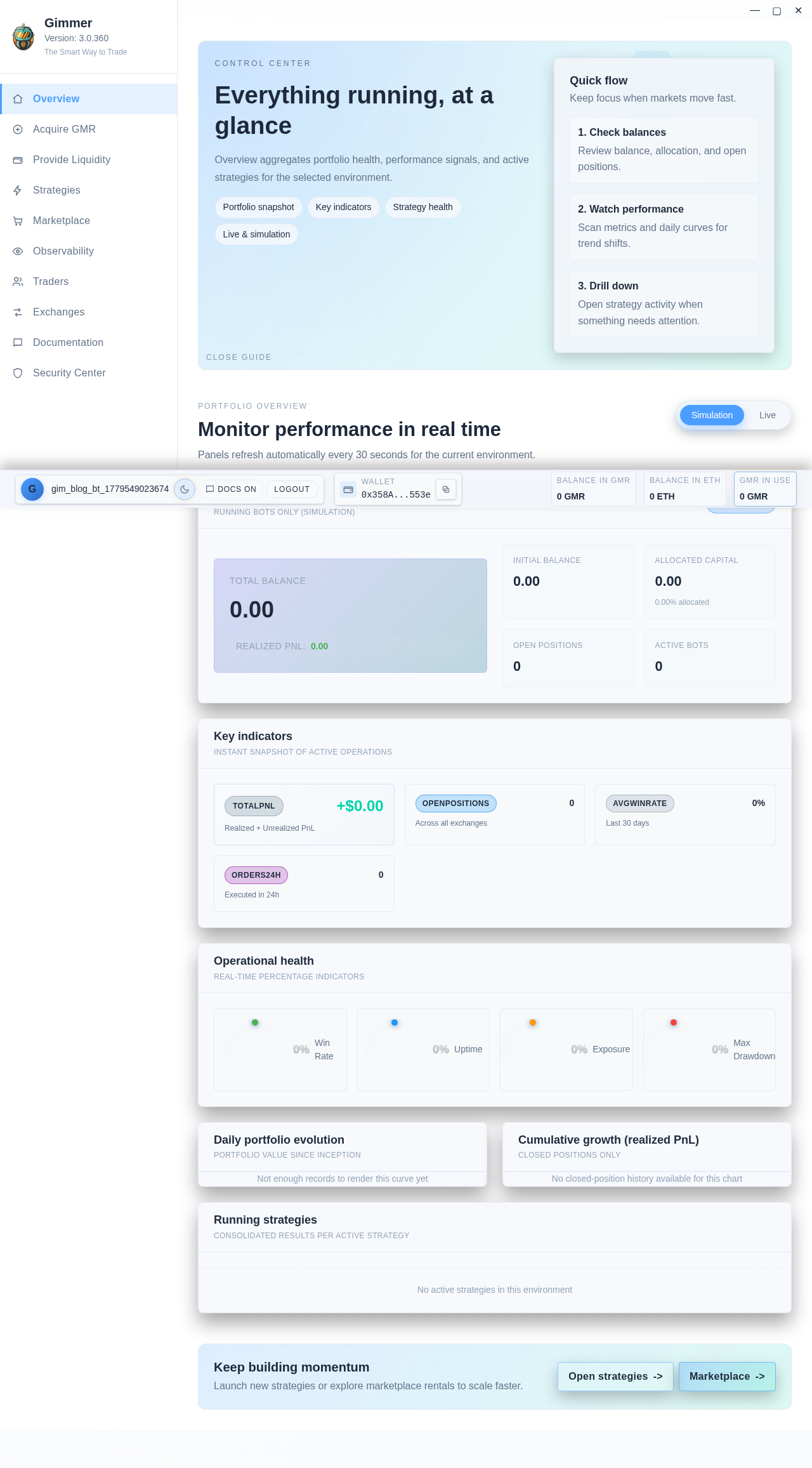
No registration, no email verification, no subscription required to start. Gimmer is a true desktop DAPP: your data stays on your machine.
Step 2: Connect Your Exchange
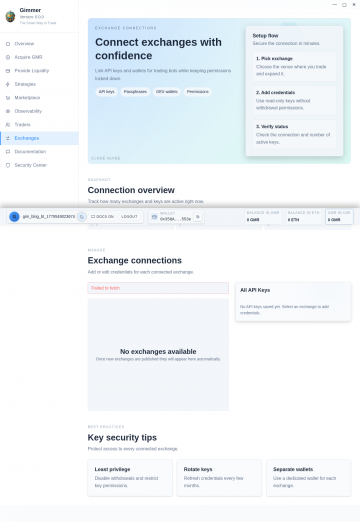
Click on Exchanges in the left sidebar, then Add Exchange. Select your exchange from the list and paste your API key and secret key.
Security note: Gimmer stores your API keys encrypted locally. By scoping your API key to trading-only (withdrawals disabled), your funds remain safe even in the unlikely event of unauthorized access.
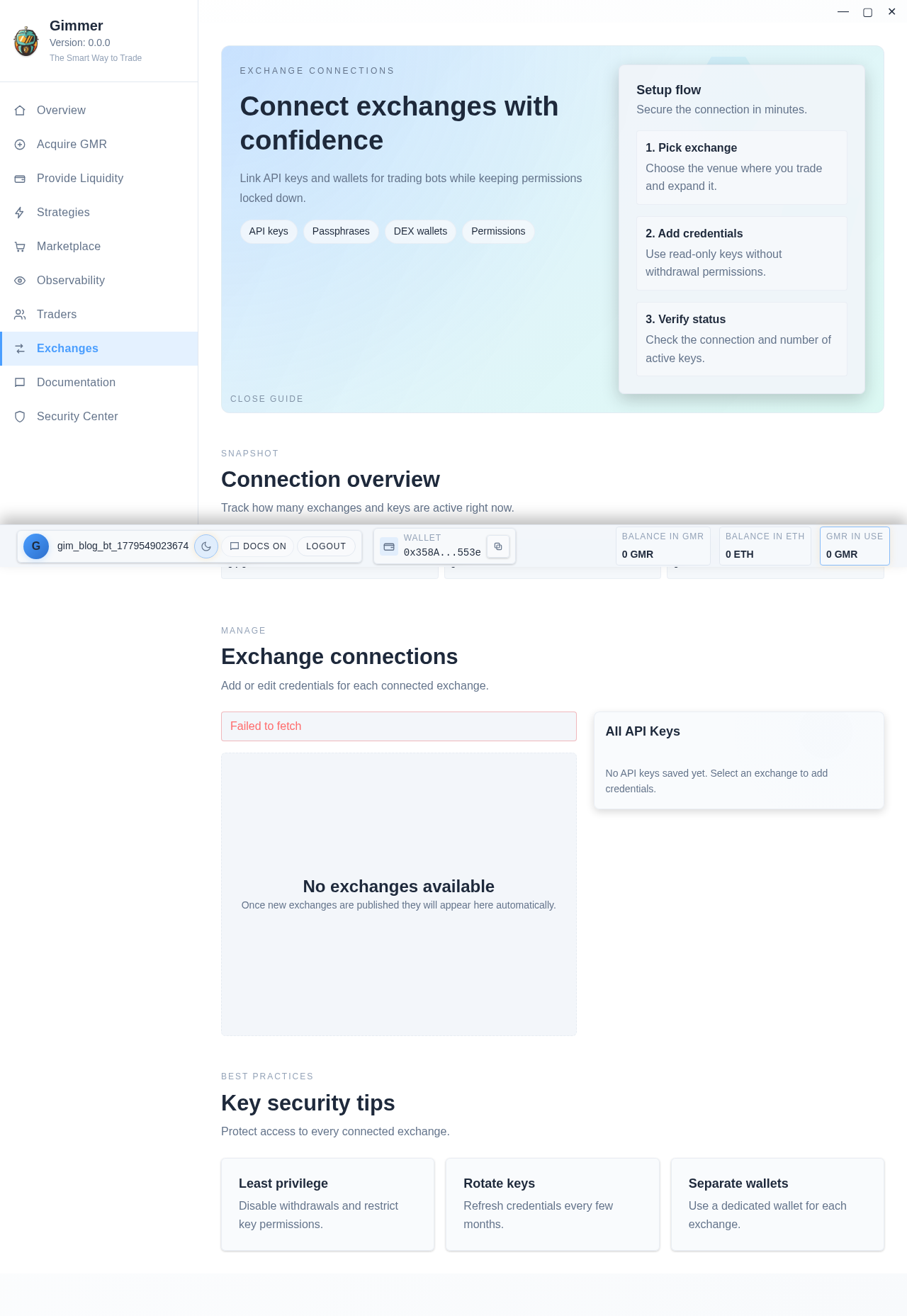
Once connected, Gimmer will fetch your balances and available markets automatically.
Step 3: Open the Strategy Builder
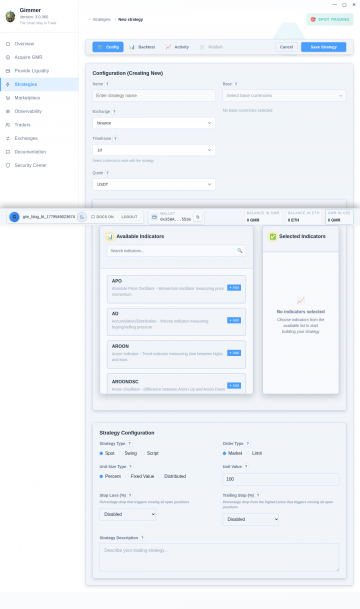
Navigate to Strategies → Create New Strategy. You will see two modes:
- Visual Builder — drag, drop, and connect blocks. No coding required.
- Code Editor — write custom logic in Gimmer’s scripting language.
For this tutorial, we will use the Visual Builder.
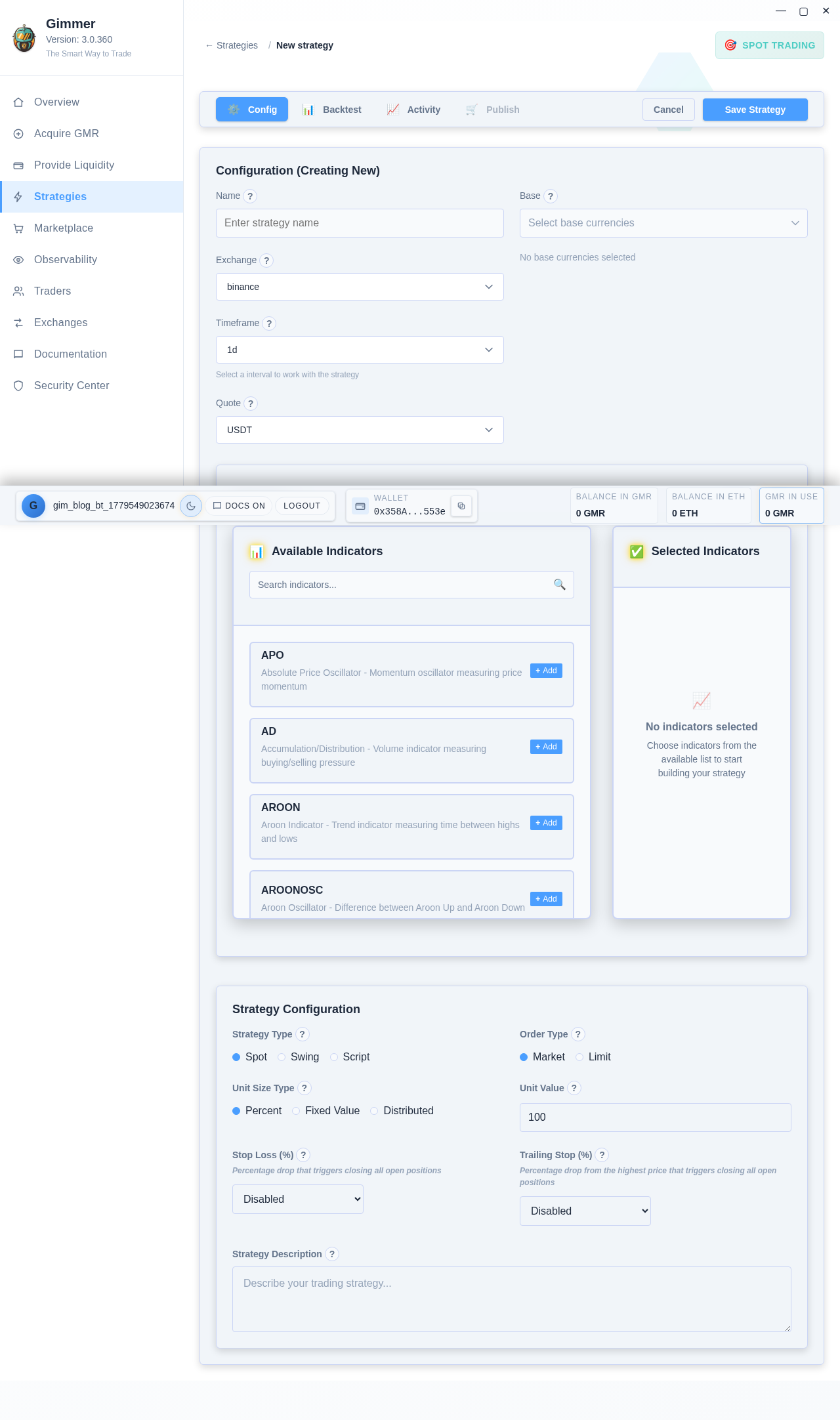
Step 4: Build a Simple Moving Average Crossover Strategy
This classic strategy buys when a short-term moving average crosses above a long-term one, and sells (or shorts) when it crosses below.
- Add a Candle Source — drag the “Candle” block onto the canvas. Set it to the BTC/USDT pair on a 1-hour timeframe.
- Add Two Moving Averages — drag two “SMA” blocks. Connect the Candle close price to both. Set one to period 9 (fast) and the other to period 21 (slow).
- Add a Cross Detector — drag the “Cross” block. Connect SMA 9 to Input A and SMA 21 to Input B.
- Add a Position Manager — drag a “Position” block. Connect the Cross output to it. Set it to “Open Long” on cross-up and “Close Long” on cross-down.
- Connect Everything — link the blocks in sequence from left to right: Candle → two SMAs → Cross detector → Position.
Step 5: Backtest Before Going Live
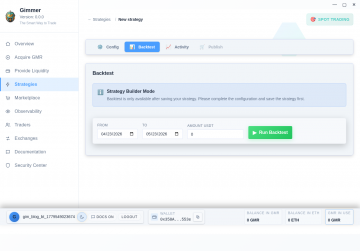
Before risking real funds, click the Backtest button. Gimmer will simulate your strategy against historical data and show you:
- Net profit / loss
- Win rate
- Maximum drawdown
- Sharpe ratio
- Equity curve
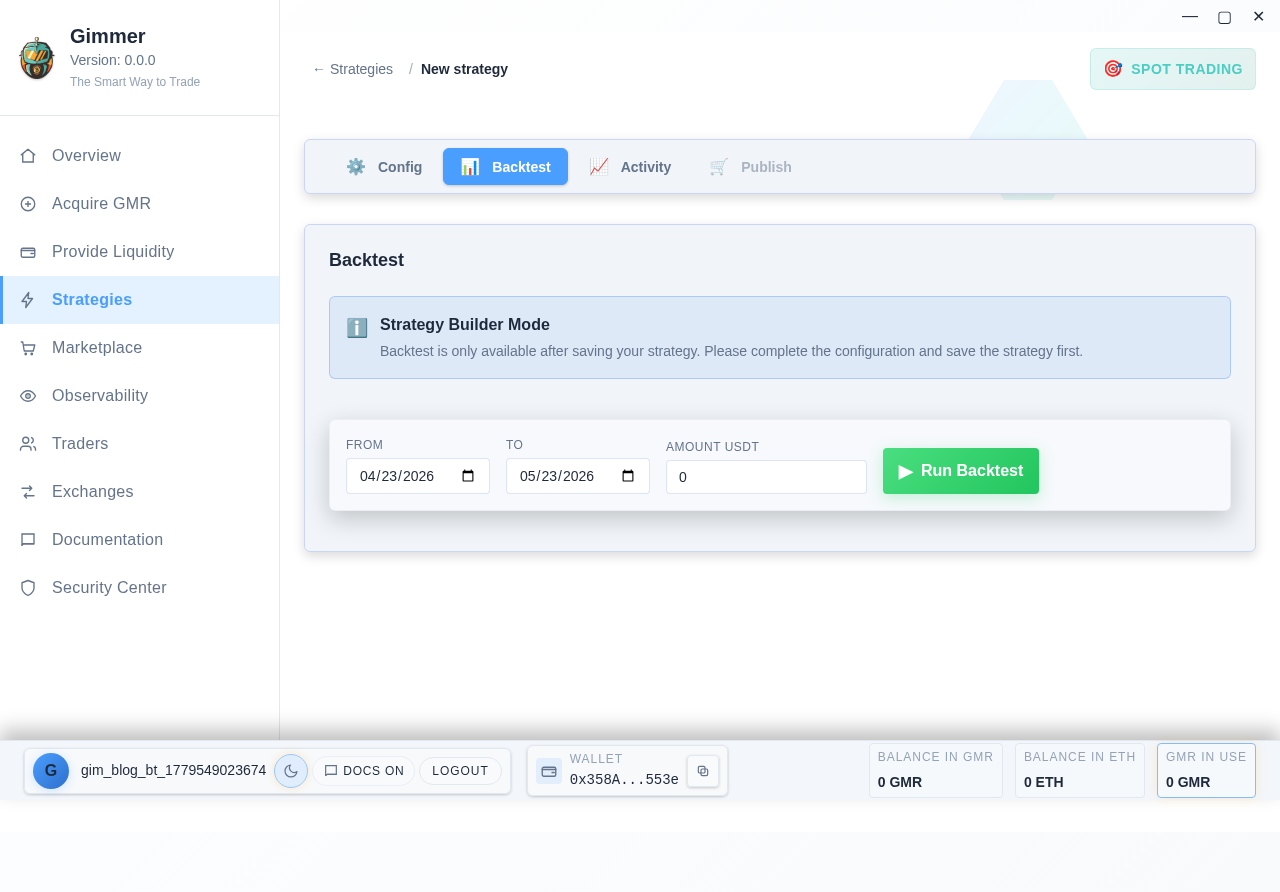
Adjust your parameters if needed. Try different moving average periods or add a stop-loss block to improve performance.
Step 6: Launch Your Bot
When you are satisfied with the backtest results, click Deploy. Choose your exchange, the trading pair, and set your position size.
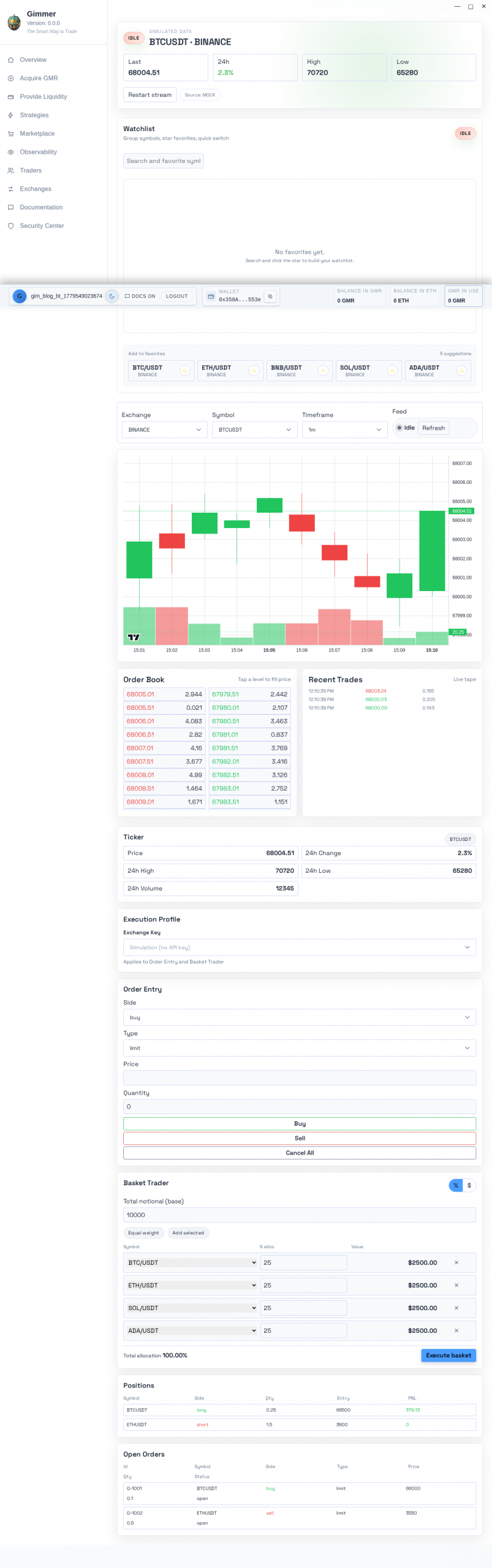
The bot will now run 24/7, executing your strategy automatically. You can monitor its performance from the dashboard, pause it, or tweak the strategy at any time.
What’s Next?
You have just automated your first trading strategy. From here, the possibilities expand quickly:
- Add indicators like RSI, MACD, or Bollinger Bands
- Build multi-strategy portfolios that balance risk across different approaches
- Explore arbitrage bots that profit from price differences across exchanges
- Rent your strategy on the Marketplace and earn passive income from other traders
Final Thoughts
The barrier to algorithmic crypto trading has never been lower. With Gimmer’s Visual Builder, you do not need to write a single line of code to deploy a professional-grade trading bot. You just need a clear idea and 15 minutes.
Ready to build your first bot? Download Gimmer and start today. No commitment, no subscription — just a powerful tool and a world of market opportunities.
— The Gimmer Team